
0–4 SEC
The camera finds the light
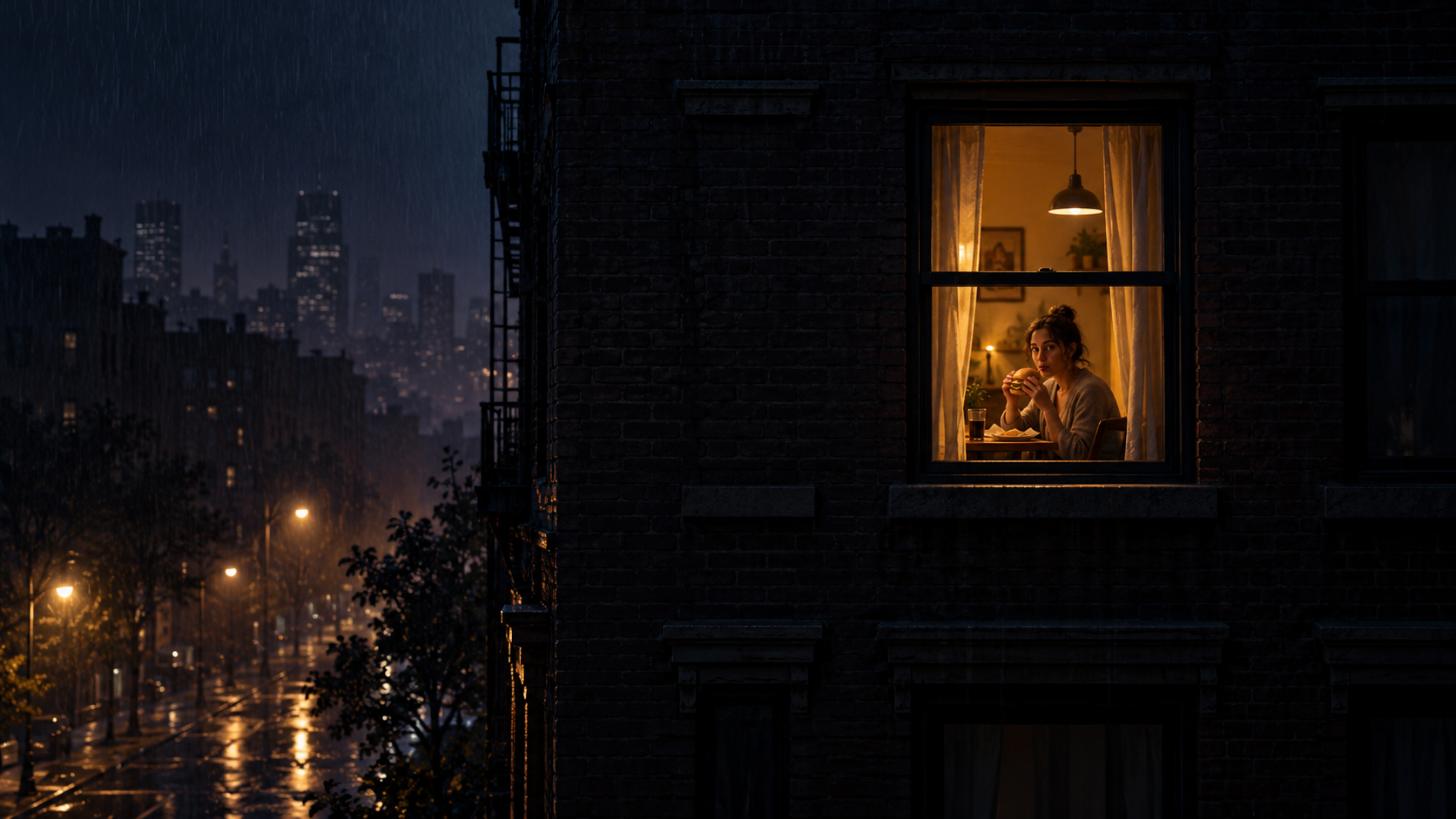
A dark building, one warm window, and a slow move toward whoever is inside.
Tonight, you're the neighbor.
Turn an everyday photo into the viral late-night window scene: the camera creeps closer, you take a bite, stare back, and close the curtains.
From faraway window to awkward close-up
Your photo becomes the person behind the one glowing window.
Quick answer
Window Peeper AI is a single-purpose photo-to-video generator for the Window Peeper trend. It turns one clear photo into a 15-second, 9:16 MP4 with the night-building zoom, window reveal, awkward stare, and curtain-close ending—without a prompt or CapCut timeline.
The trend in 15 seconds
The Window Peeper trend works because the story is instantly readable, even with the sound off. Your photo becomes the person behind the glass.
A dark building, one warm window, and a slow move toward whoever is inside.
The quiet meal turns into the awkward look that makes the Window Peeper filter so shareable.
The scene lands with a quick curtain close—simple, recognizable, and made for vertical feeds.
How to make a Window Peeper video
No prompt writing and no editing timeline. The whole experience stays focused on this one trend.
A front-facing photo with one person and an easy-to-read face gives the scene a strong focal point.
We build the night facade, glowing room, awkward bite, direct stare, and curtain-close ending.
Get a 15-second 9:16 MP4 ready for TikTok, Reels, Shorts, or your group chat.
Built for this one joke
A focused Window Peeper AI generator keeps the path from photo to finished gag short and obvious.
Start across the street, find the only lit window, and close the distance before the reveal.
The scene is designed around one clear subject, so the stare reads instantly on a phone screen.
The 9:16 composition is already shaped for the feeds where the Window Peeper trend lives.
Pick the right photo
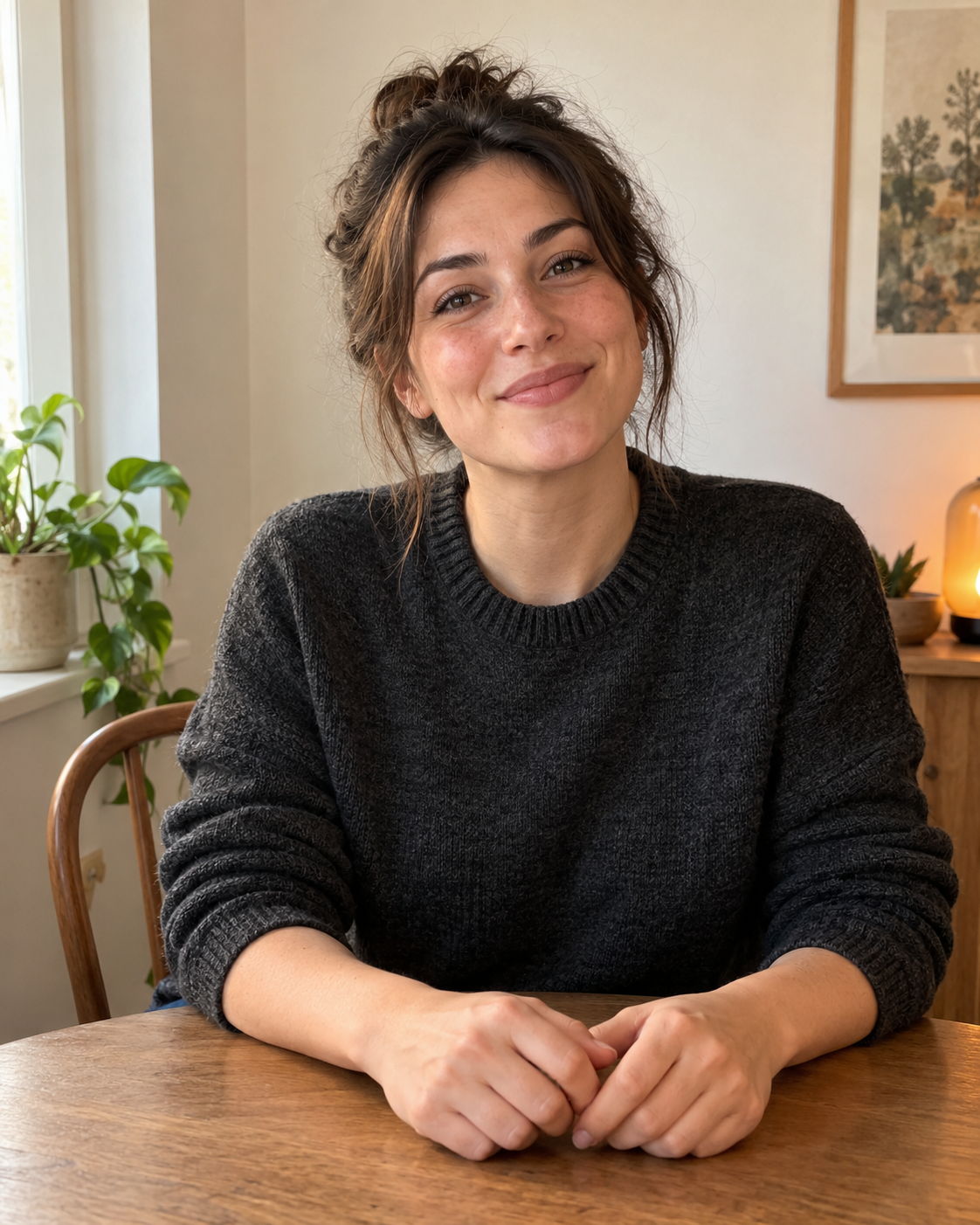
You do not need a studio portrait. Choose an image that is clear, direct, and easy to recognize at a glance.
A mostly front-facing expression makes the eventual stare feel deliberate.
A single obvious subject keeps the scene clean when the camera reaches the window.
Clear eyes and facial details help the result stay readable in the warm night scene.
A waist-up or seated photo leaves room for the table, hands, and curtain-close action.
Window Peeper AI vs CapCut
The CapCut template follows the original one-slot workflow. Window Peeper AI is for people who want a fresh generated scene from one photo, without arranging a timeline.
Window Peeper guides
The quickest route from a good photo to the finished 15-second trend.
Read guideTrendUnderstand the zoom, the burger stare, and why the curtain-close ending works.
Read guideComparisonCompare the one-photo AI route with the original template workflow.
Read guidePhoto tipsChoose a photo that keeps the face, stare, and window reveal readable.
Read guideFilter guideLearn what people mean by filter, template, effect, and AI generator.
Read guideTemplate guideFind the template workflow, identify the right preview, and see the one-photo option.
Read guideExamplesSee the 15-second building zoom, burger stare, and curtain-close sequence.
Read guideSimple video packs
Choose the number of finished Window Peeper videos you want. Every pack is a one-time purchase.
See full pricing1 video
$6.99
One Window Peeper video
3 videos
$16.99
About $5.67 per video
10 videos
$39.99
$4.00 per video
Window Peeper FAQ
Quick answers about the trend, the photo, the format, and the difference between AI and the CapCut template.
It is a vertical suspense-comedy meme that starts outside a dark apartment building, zooms toward one glowing window, reveals someone eating and staring back, then ends as the curtains close. The watcher becoming the watched is the meaning of the joke.
Choose one clear photo, upload it to the generator, and create the finished 15-second vertical scene. You do not need to write a prompt or edit a timeline.
People use “filter” as a general name for the effect. This generator creates a new video scene from your photo instead of placing a live camera filter over your face.
No. The AI route works from one photo in your browser. If you prefer editing in CapCut, the original template route is still a separate option.
Use a sharp, well-lit photo with one person facing roughly toward the camera. A waist-up or seated image gives the scene room for the table and hands.
The output is a 15-second, 9:16 vertical MP4 designed for TikTok, Instagram Reels, and YouTube Shorts.
Yes. Upload one photo here and download the finished vertical MP4 without opening a CapCut timeline.
The one-video pack is $6.99. Larger one-time packs lower the per-video price.
There is no free generation. One finished 15-second video starts at $6.99, and the pricing page lists larger one-time packs.
The Window Peeper template guide links to the current CapCut reference and explains how to check the building approach, stare, and curtain-close preview before using it.
The examples guide links to a complete 15-second TikTok reference and breaks the Window Peeper effect into the opening window, burger stare, and curtain-close ending.
The light is on
Choose one photo and make the awkward Window Peeper video everyone understands before the camera even reaches the glass.
Create my Window Peeper video