
Best Photo Tips for a Window Peeper AI Video
Choose a sharper portrait, better crop, and more readable expression for a one-photo Window Peeper AI video.
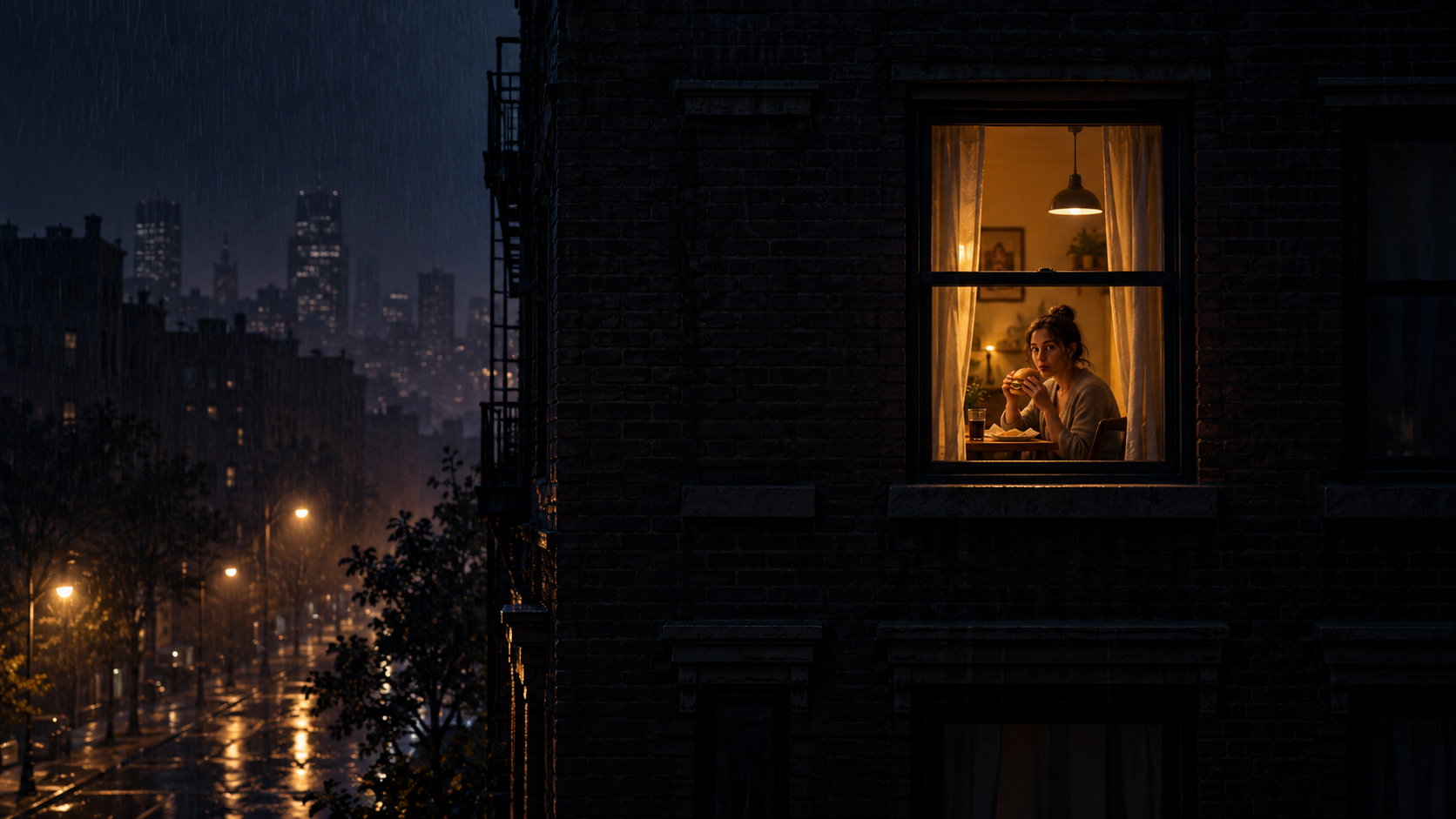
The final moment of a Window Peeper video is a close reveal, so the source photo carries more weight than it might in a fast montage. A good image makes the face readable immediately and keeps the visual joke clear on a phone screen.
You do not need a studio portrait. A thoughtful choice from your camera roll is usually enough.
1. Start with the original file
Use the original camera photo when possible. Images saved from a message thread or captured as screenshots may have been resized several times. That loss can stay hidden at thumbnail size and become obvious during the Window Peeper close-up.
If two versions look identical, pick the one with higher resolution and fewer visible compression blocks around the face or hair.
2. Make the face readable
The viewer should understand the expression in less than a second. A face that occupies a useful part of the frame works better than a distant group scene.
Look for visible eyes, a clear mouth shape, and a recognizable outline. Glasses, hats, or hair are not automatically a problem; they simply need enough light and contrast to remain distinct.
3. Leave room around the subject
An extremely tight crop gives the camera move nowhere to go. Leave a little space above the head and around the shoulders so the final reveal can feel composed rather than cramped.
At the other extreme, avoid using an image where the person is a tiny detail. The Window Peeper scene already provides distance at the beginning; the source photo should support the close moment.
4. Use simple, even light
Soft daylight from a window or open shade is often enough. Strong backlight can turn the face into a silhouette, while direct overhead light may hide the eyes.
You do not need to make the source photo look like night. The generated scene establishes the nighttime mood. A clear source gives it more useful detail to work with.
5. Choose an expression with a story
The classic Window Peeper effect ends with an awkward stare. A photo with a neutral, curious, mildly surprised, or deadpan expression fits that beat naturally.
A huge staged smile can still work, but it changes the joke. Decide what you want the final moment to say before choosing the image.
6. Watch the background contrast
If hair, clothes, and background all have similar tones, the subject can lose definition. Choose an image with a clear boundary around the face and upper body. A plain wall is helpful but not required.
Quick ranking test
When comparing three photos, view them as small thumbnails and rank them by:
- fastest face recognition;
- clearest expression;
- cleanest head-and-shoulders outline;
- best room around the subject;
- strongest fit for the final stare.
The winner of that small-screen test is usually the strongest starting point. Once you have it, follow the Window Peeper video tutorial or open the generator.
Keep exploring
Related Window Peeper guides
How to Make a Window Peeper Video From One Photo
A simple guide to making the Window Peeper trend with one photo, including photo choice, framing, and posting tips.
Read articleExplainerWindow Peeper Filter or AI Generator?
Learn what people mean by the Window Peeper filter and how a one-photo AI video generator creates the trend differently.
Read articlePut the guide into practice
Make your Window Peeper video.
Upload one photo and create the complete 15-second window-zoom moment.